Houses of Worship: Reliable Live Stream Setups That Scale
A practical guide to building a repeatable weekly livestream system for houses of worship that a volunteer crew can run week after week.
Every house of worship that streams learns the same lesson eventually: the hard part isn't the first broadcast, it's the two-hundredth. A wedding or a conference gets one shot at a good stream. A weekly service needs a system that a rotating volunteer crew can run every single week, on time, without a producer on-site troubleshooting cables. We build these systems for congregations across Connecticut, Massachusetts, and New York, and the setups that hold up long-term all share the same bones: enough cameras to cover the room, a switcher simple enough for a volunteer to run cold, redundant streaming so one dropped connection doesn't kill the broadcast, and a training plan that survives turnover. This is the version of that build we hand off most often.
why three cameras is the real minimum
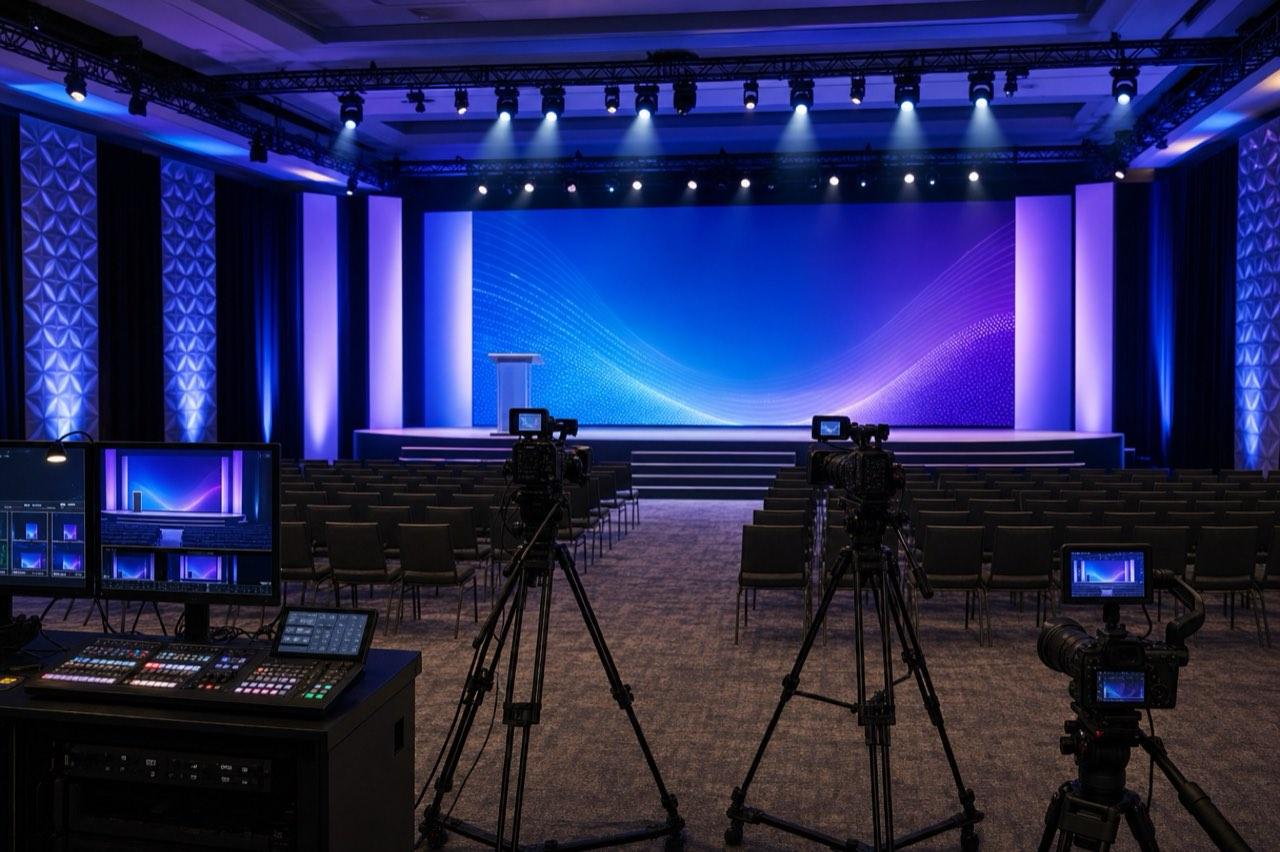
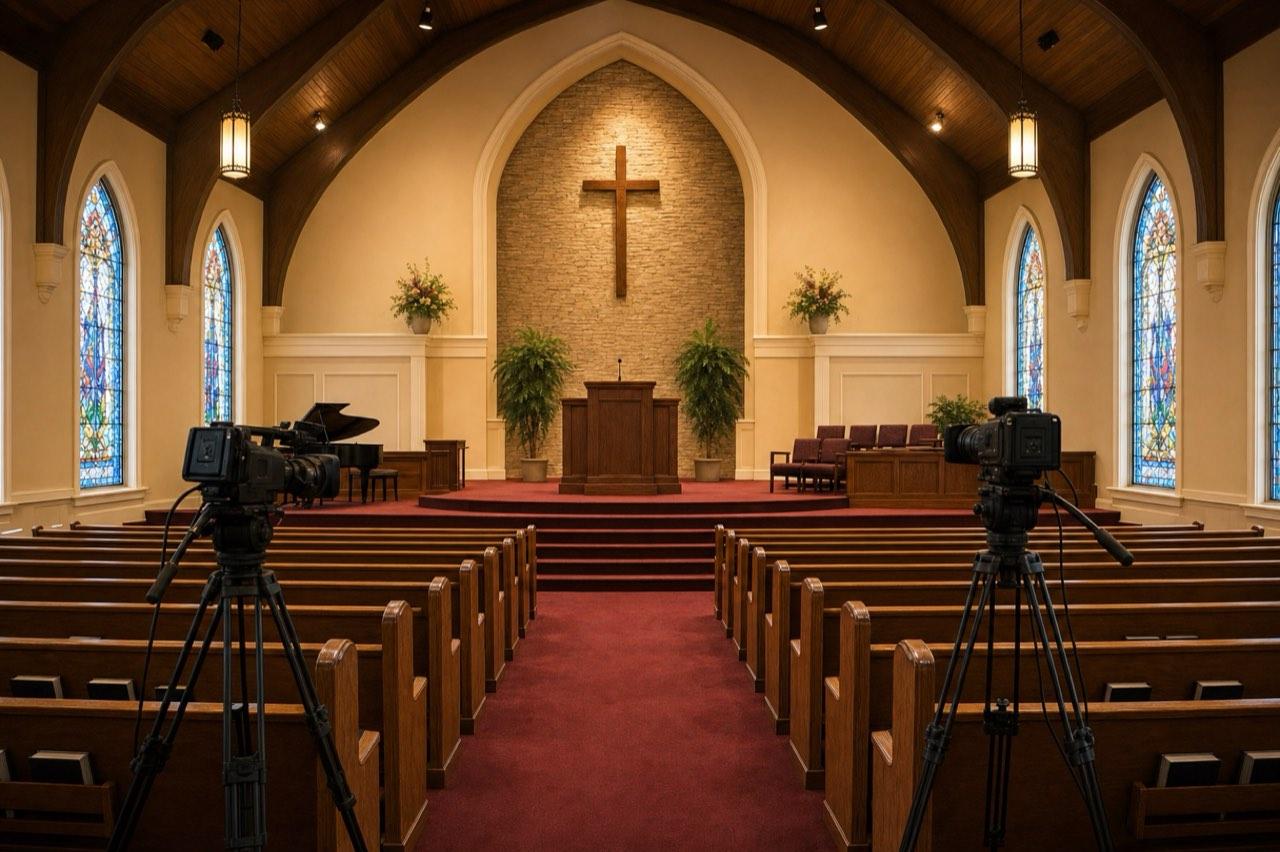
Two cameras can technically cover a service, but it shows. A wide shot alone looks like a security camera. A single tight shot on the pastor, rabbi, or imam gets monotonous and misses the choir, the Torah reading, the call to prayer, the baptism at the back of the room. We spec three cameras as the floor for any weekly install: a wide shot that holds the whole platform or bimah, a tight center shot on the primary speaker position, and a roaming or secondary shot that can pick up a soloist, a baptismal, a side aisle, or whatever moves that week. Add a fourth for congregations with a choir loft or a second speaking area, but three is where a service stops looking like a static webcam and starts looking like it was actually shot.
PTZ vs. camcorder: the tradeoff nobody explains clearly
Pan-tilt-zoom cameras get pitched as the obvious answer for volunteer teams, and for the wide and tight shots, they usually are — one person can control two or three PTZs from a single joystick panel without leaving the booth. The tradeoff is that PTZs are built for stationary framing decisions, not for tracking a fast-moving worship leader across a platform. For that roaming shot, a camcorder or mirrorless body on a monopod with an actual camera operator still outperforms a PTZ chasing motion. Our rule of thumb: PTZ the fixed positions, put a human on anything that has to follow a person in real time. Congregations that try to PTZ everything usually end up training a volunteer to babysit the pan-tilt anyway, which erases the labor savings PTZ was supposed to buy them.
switching: ATEM Mini Extreme and the Constellation-tier step up
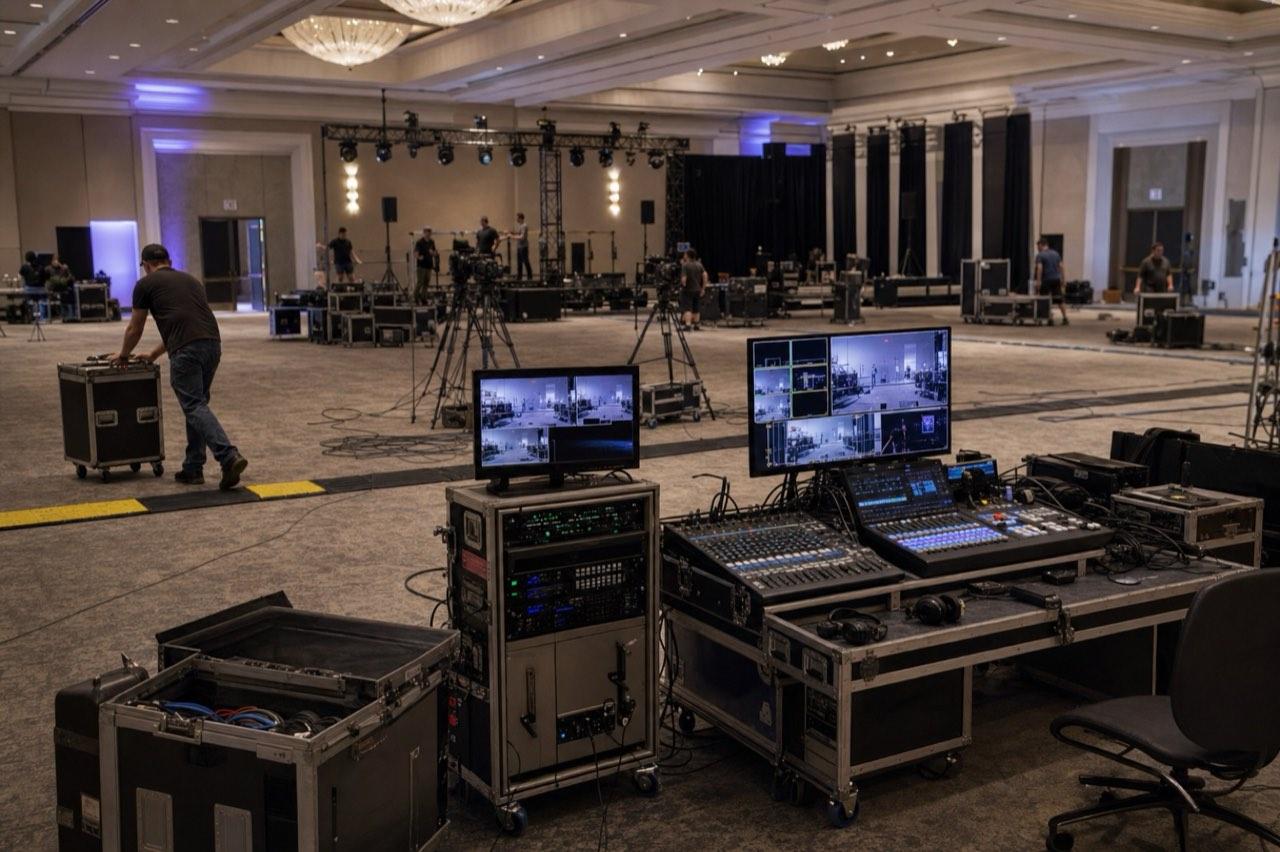
For most weekly services, an ATEM Mini Extreme covers it — eight HDMI inputs (with the ISO recording), built-in multiviewer, and a control surface simple enough that we can train a new volunteer on it in under an hour. Where we push congregations toward a Blackmagic Constellation-series switcher is when they're running more than four live sources, doing simultaneous SDI and HDMI camera runs, or want macro-based transitions that a rotating crew can trigger with one button instead of building a transition by hand every week. The Constellation tier costs more and has a steeper learning curve up front, but it removes decision points from the live switch, which matters more for volunteer reliability than raw feature count.
audio: take it from the console, not the camera
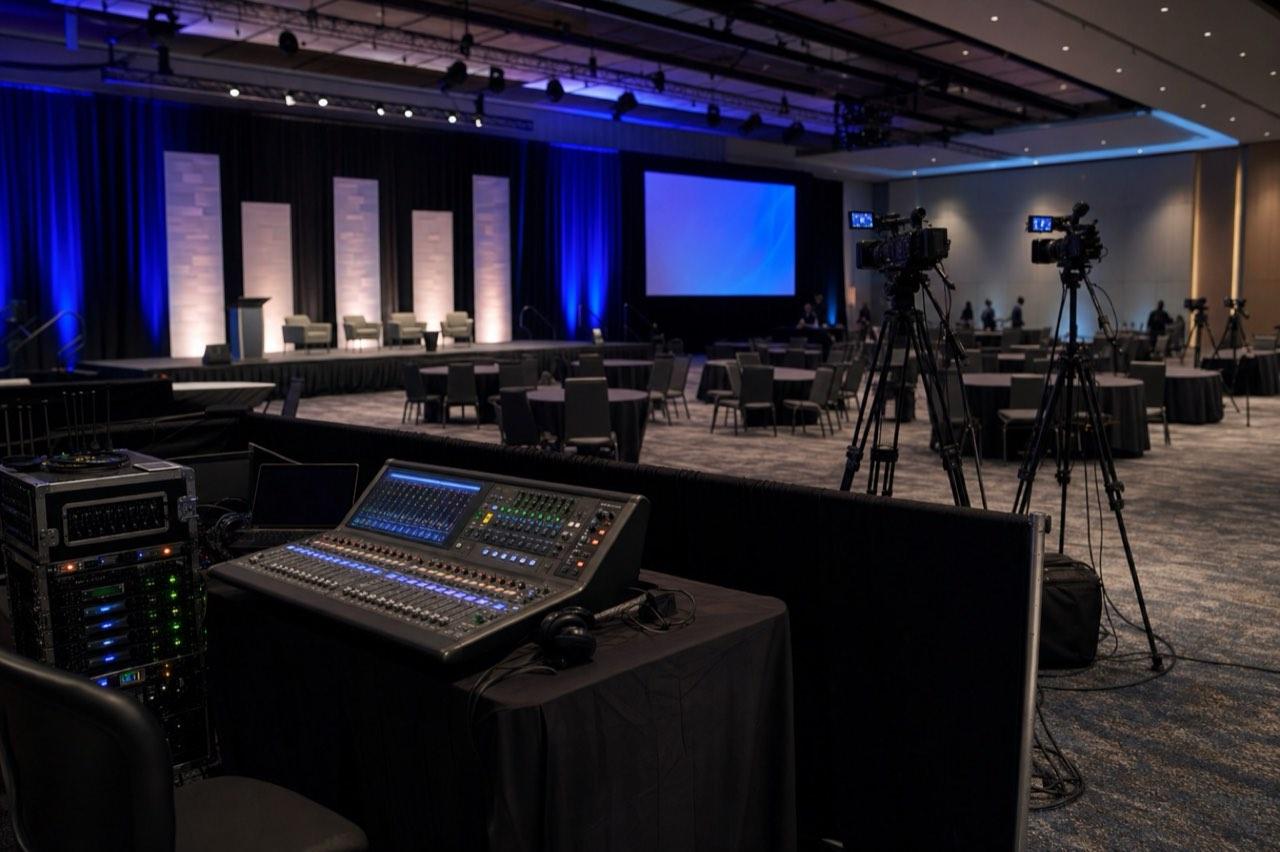
This is the mistake we correct most often in existing installs. Camera mics — even good on-camera shotguns — pick up room reflection, HVAC noise, and reverb that make a service sound like it's being watched through a wall. The fix is a direct feed from the front-of-house audio console into the switcher's audio input, embedded or as a separate line. That single change does more for perceived stream quality than any camera or lighting upgrade we sell. It also means your audio engineer becomes part of the stream chain whether they think of themselves that way or not, so this is a conversation to have with FOH before the first broadcast, not after a viewer complains.
lower-thirds and scripture graphics that don't break
Volunteer-run graphics fail in one of two ways: someone forgets to update the lower-third with the visiting speaker's name, or the scripture reference graphic gets built fresh every week in a slide deck and someone typos the verse live. We build graphics into the switcher's built-in media player or a simple companion app (Stream Deck plus a template set works for most congregations) so the volunteer on graphics duty is selecting from a pre-built template, not designing on the fly. Lock down fonts, colors, and safe margins once during install, and the weekly job becomes "type the name, hit go" instead of open-heart graphic design fifteen minutes before the service starts.
redundant streaming: main plus backup, not main and hope
A dropped stream mid-sermon is the single most common complaint we hear from congregations who built their own setup. The fix isn't a better internet connection — it's redundancy. We configure a primary RTMP or SRT push to the main destination and a secondary encoder or channel pushing a backup feed, either to a second platform or a backup ingest on the same one. SRT in particular is worth the setup time over RTMP where the connection is anything less than rock-solid fiber, because it handles packet loss and re-buffers instead of just dying. The point isn't redundancy for its own sake — it's that when (not if) a connection hiccups, the backup keeps the broadcast alive while someone in the booth diagnoses the primary.
simulcasting to Facebook and YouTube without doubling the work
Most congregations want to be live in both places because that's where two different segments of the congregation actually watch. Running two separate encoders is a volunteer-hours problem waiting to happen. We set up simulcast through a restreaming service or the switcher's built-in multi-destination push, so one encode goes out to both Facebook and YouTube from a single point of control. The upside is one thing to monitor. The tradeoff is that a shared bitrate has to satisfy both platforms' requirements, so we tune the encode settings against the stricter of the two rather than optimizing for either individually.
the archive workflow that keeps the media library from becoming a junk drawer
A live stream that isn't captured for the archive is a missed sermon series compilation, a lost baptism video, a member who can never find the message from three weeks ago. We build the archive step into the same session as the live switch: ISO recording from the switcher, or a dedicated recording output, landing in a folder structure by date that a volunteer can find without asking anyone. The cheap insurance here is redundancy again — record locally even though you're also streaming, because internet issues that hurt your live stream can also corrupt what would've been your only copy of the file.
A few things a weekly team should check before every service, regardless of how automated the rest of the system is:
- Camera framing and focus, checked live on the multiviewer, not assumed from last week's settings
- Audio level from the console feed, confirmed with a headphone check, not just a meter glance
- Both streaming destinations actually receiving signal, confirmed in each platform's own dashboard
- Backup RTMP/SRT connection tested and standing by, not just configured and forgotten
- Local recording confirmed running before the first word is spoken
- Graphics template loaded with this week's names and references, not last week's
"set-and-forget" doesn't exist — plan for the person, not just the gear
Every congregation asks us if there's a version of this that runs itself. There isn't. Even the most automated switcher still needs someone to press record, someone to catch the dropped backup feed, someone to swap the lower-third when the guest speaker changes at the last minute. What we can build is a system where that person's job is simple enough to hand to a new volunteer without a week of training. That's the actual goal — not zero human involvement, but low-skill, low-failure human involvement.
volunteer training that survives turnover
Volunteer teams turn over. The kid who ran camera two for a year goes to college; the retiree who ran switcher moves to Florida. A system that only works because one specific person memorized it will fail the week that person doesn't show up. We build training around laminated quick-reference cards at each position, a written startup/shutdown checklist taped inside the booth, and a short recorded walkthrough for each role that a new volunteer can watch once before their first live shift. We also recommend every congregation cross-train at least two people per position, so a single absence doesn't cancel the broadcast.
what a typical install and handoff looks like
When we bring a system into a sanctuary, we spend time in the room before we spec anything — sightlines from the platform, existing AV console capabilities, network drops, and where volunteers will physically stand. From there we install cameras, run the switcher and audio integration, configure the streaming and backup paths, and build the graphics templates. The handoff isn't a manual dropped on a desk; it's a live walkthrough with the actual volunteer team, running a mock service end to end before the first real broadcast. We come back after the first few live weeks to adjust anything that didn't survive contact with a real Sunday, Friday night, or Shabbat service.
getting a system built for your congregation
If your congregation is streaming off a phone propped on a music stand, or you've outgrown a single-camera setup and need something a volunteer team can actually run week after week, we can walk you through what a build looks like for your space. Email us at hello@eventprosource.com with your room size, current setup, and streaming destinations, and we'll get you a quote within 24 hours.