Runtime, Rehearsal, and Tech Checks: Building the Day-Of Schedule
A day-of schedule is only as good as its tech checks. Here’s how we structure runtime, rehearsals, and holds so show flow stays intact.
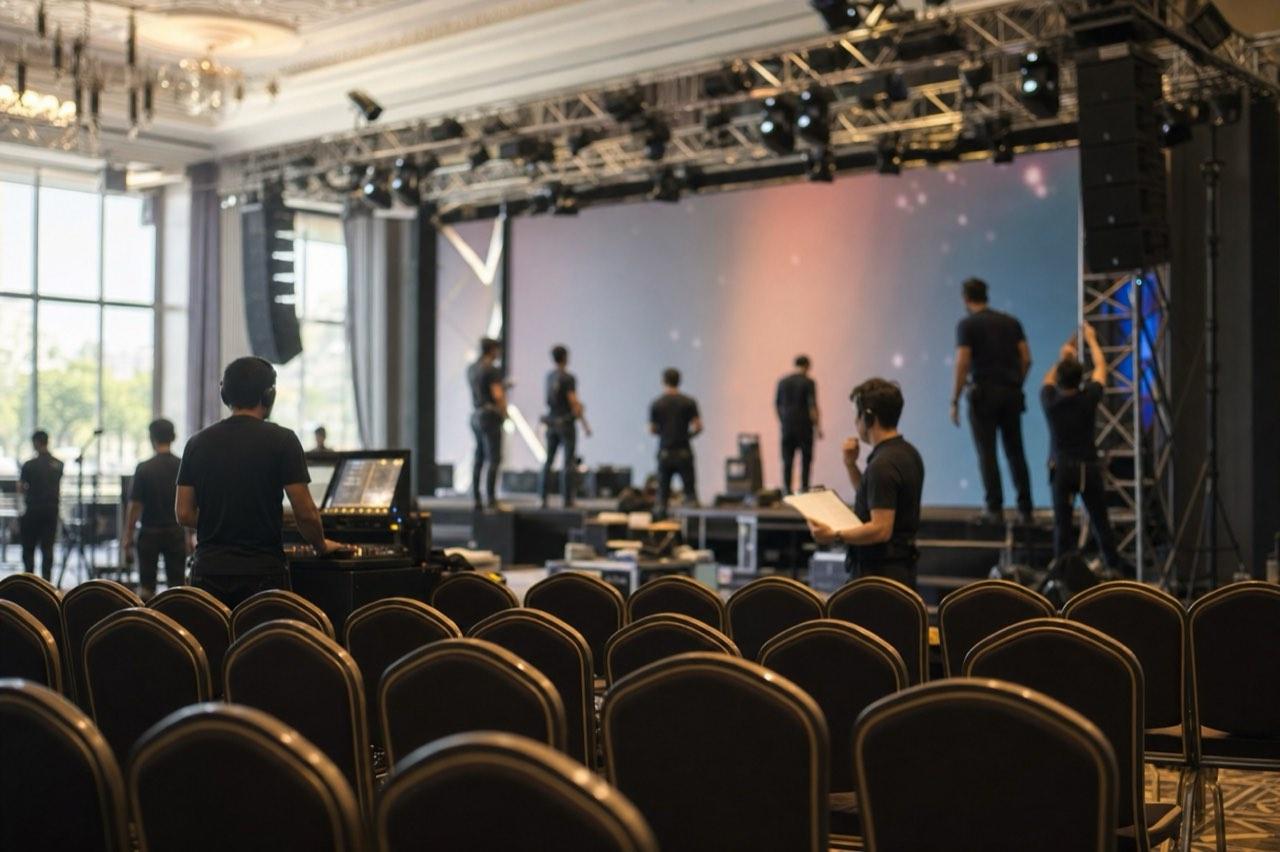
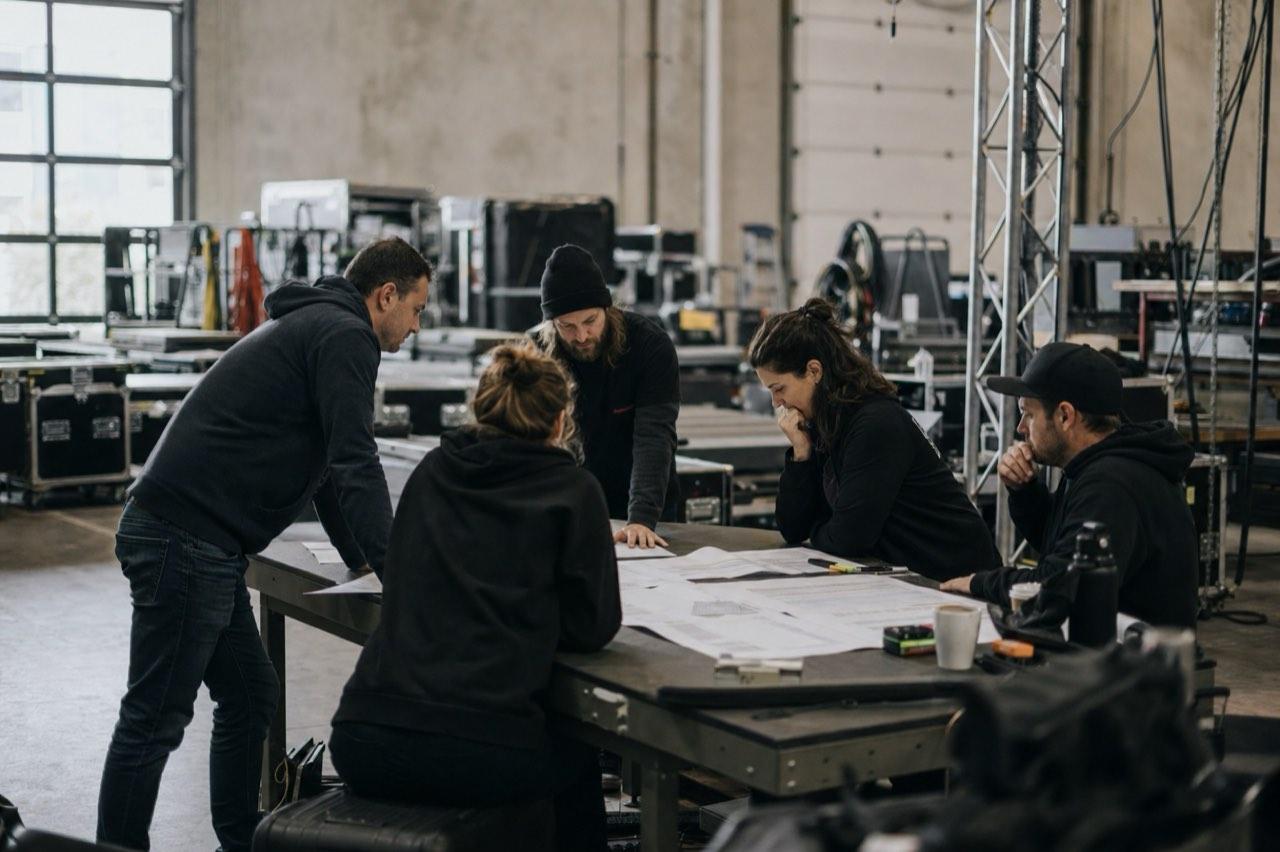
You can feel it in the room when the schedule is real. The crew’s moving with purpose, the show caller’s notes actually match what’s on deck, and nobody’s asking the same question three different ways. That doesn’t happen because a PDF exists. It happens because runtime, rehearsal, and tech checks are planned like production, not like admin.
start with runtime, not with call times
When we build a day-of schedule, we start by defining what the audience experiences minute by minute. That’s runtime. Everything else is support.
Runtime isn’t just “doors at 6, show at 7.” It’s the timing of:
- doors, seating, and pre-show content
- walk-up music and house lights
- every cue that changes video, audio, lighting, or stage traffic
- presenter walks, award handoffs, and scenic moves
- planned holds (and what triggers them)
If you don’t lock runtime early, rehearsal turns into a debate, and tech checks become guesswork. We’d rather have an imperfect first-pass runtime that everyone can react to than a late “final” that nobody has time to practice.
define the run-of-show as a cue document, not a script
A run-of-show can be written like a script, but it has to function like a cue document. That means it should tell each department what has to happen and when, with enough specificity that your stage manager and your operators can act without interpreting.
For corporate and brand events, we usually want the run-of-show to include:
- segment name and owner
- target duration and hard out time
- who’s on deck, who’s on stage, and who’s clearing
- every playback element (walk-up, stings, VOs, videos) with a file name
- slide control ownership (presenter clicker, confidence, operator)
- mic plan for each segment (handheld vs lav, backup channel)
- the cue call language you’ll actually use (“stand by video roll… roll video”)
That level of detail might feel heavy, but it saves you in rehearsal. It also reduces the number of “we’ll just wing it” moments that turn into awkward dead air.
build schedule blocks around dependencies
Rehearsal time gets wasted when you schedule by department instead of by dependency. For example, you can’t do a real presenter rehearsal if:
- slide playback is still being rebuilt
- audio doesn’t have stable gain structure
- the stage picture isn’t final
- the confidence monitor is not in the right place
We like to build the schedule around the dependency chain. A practical order looks like this:
- infrastructure ready (power, network, rigging, truss, screens, PA)
- base systems stable (video routing, audio patching, comms)
- content verified (playback, slides, lower thirds, logos)
- stage picture confirmed (lectern, scenic, furniture, camera sightlines)
- presenter blocks (walks, handoffs, transitions, cues)
- full show flow (or as close as you can get)
When you block the day this way, each “check” unlocks the next, and people aren’t standing around waiting for a missing piece.
schedule tech checks as deliverables, not as time fillers
A tech check is only useful if it ends with a decision. We treat tech checks like deliverables that must be completed before you move on.
Common tech checks we schedule explicitly:
- audio line check: every mic, every input, every playback source
- RF coordination check: frequencies confirmed, backups labeled, spare packs staged
- video signal path check: source-to-destination verification for every screen
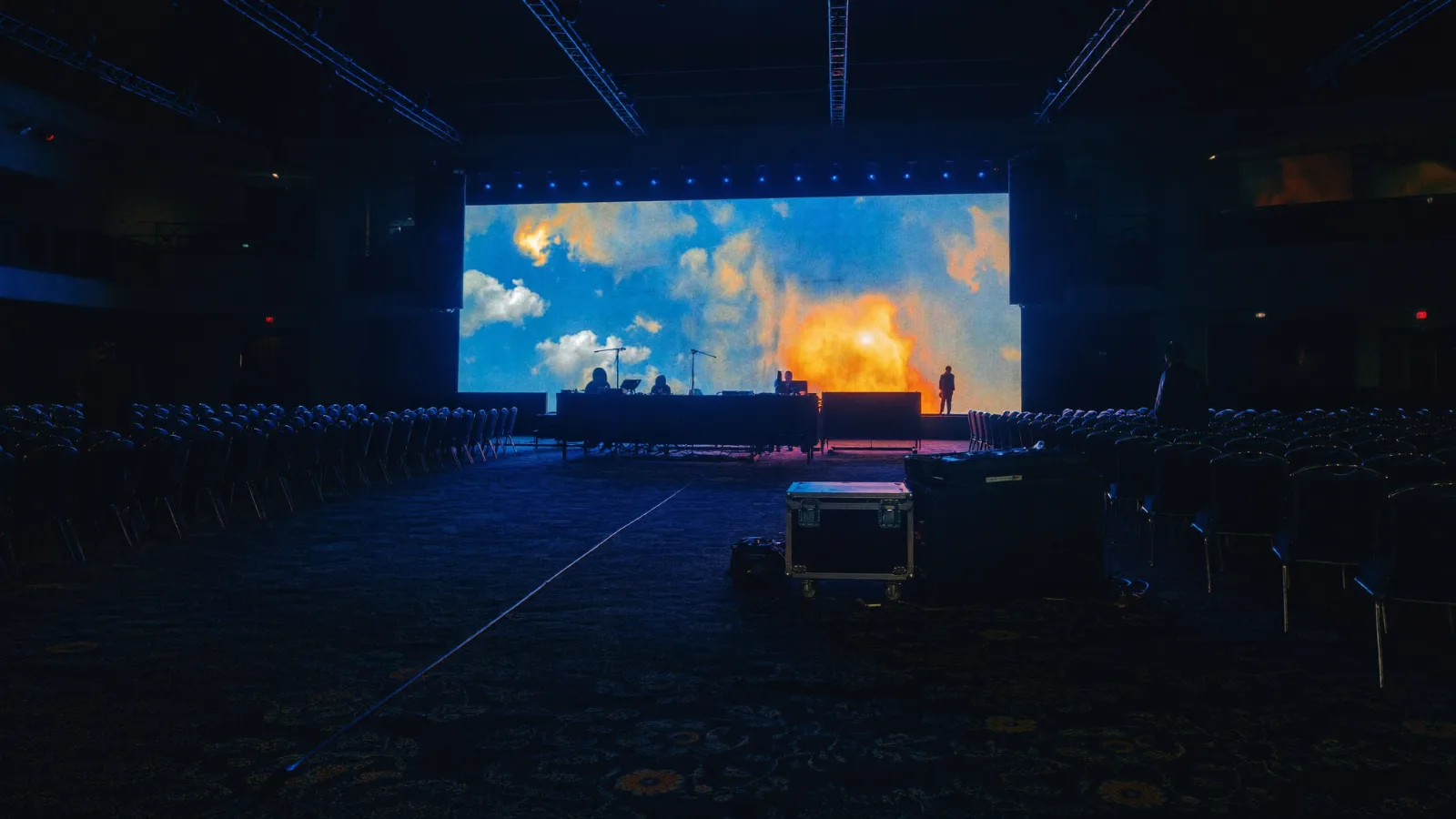
- LED wall mapping check: correct pixel map, correct aspect, correct scaling
- lighting focus and palette check: key looks are built and repeatable
- comms check: every role on headset, correct channels, clear call protocol
If a tech check doesn’t produce a pass/fail outcome, it becomes a vague “we looked at it” block. Instead, we want language like: “LED wall playback verified for keynote video, walk-up loop, and sponsor reel. Backup playback path confirmed.”
plan three rehearsals: content, blocking, and timing
Not every show gets a full dress rehearsal. But almost every show benefits from separating rehearsal goals.
Content rehearsal is about assets: do the slides advance, do videos play, do fonts render, do lower thirds match names, does confidence show the right thing.
Blocking rehearsal is about human movement: who enters from where, where they stand, when they exit, where awards are staged, how a panel is seated, and how you reset the stage between segments.
Timing rehearsal is about pace: does the show hit the target runtime, and what’s your plan when it doesn’t.
When you lump these together, the first missing font derails the entire run. When you split them, you can make progress even if one layer is still messy.
decide what “on time” means for your show
Some shows have a hard start: broadcast windows, venue curfews, or back-to-back room turns. Others can slide 5–10 minutes without consequence.
We recommend defining two time rules in the schedule:
- hard start: the time the show must begin, no exceptions
- soft start window: the acceptable range for late seating, late arrivals, and sponsor obligations
Then build your day-of plan around protecting the hard start. That often means:
- pre-show content that can loop indefinitely
- a “show-open package” that can be shortened
- a clear call: who has authority to hold, and who has authority to start
build holds into the day so you’re not improvising them
Holds happen. What matters is whether they’re predictable.
We like to plan for at least two hold types:
- rehearsal holds: you stop to fix a system issue, update content, or re-block a transition
- show holds: you pause the start or pause a segment for safety, VIP timing, or a content correction
For each hold type, define:
- who can call it
- what the crew does during it (continue with safe work vs freeze)
- what the audience sees/hears during it (house music, loop, stage wash)
That’s not being pessimistic. It’s keeping the room calm when something slips.
make the schedule readable for people who are moving
A day-of schedule is used while walking. People are looking at it on a phone, on a folded printout, or as a screenshot in a group chat. If it’s dense, it won’t get followed.
We aim for:
- time stamps in one consistent format (e.g., 24-hour or AM/PM, not both)
- short lines with verbs (“line check,” “focus,” “presenter block”)
- callouts for critical cues (“doors,” “show open,” “VIP arrival,” “press moment”)
- clear location tags if you’re using multiple rooms
It also helps to label what’s “crew only” versus what needs client or talent present. That way you don’t end up rehearsing a segment without the one person who can approve it.
align departments with a single cue language
If you’ve ever had a rehearsal where one person says “go,” another says “roll,” and the operator is waiting for “execute,” you know how much time gets burned in translation.
We prefer one cue language across departments. For example:
- “stand by” = prepare, hands on controls
- “go” = execute now
- “hold” = stop, do not execute
Then we define who calls cues and who responds. That’s usually a show caller, stage manager, or technical director depending on the event style.
build a realistic content-freeze plan
Most shows say “content is due 48 hours prior.” Most shows also get last-minute slide updates. Pretending otherwise doesn’t help you.
A realistic plan includes:
- a content freeze time for video and playback (because renders take time)
- a later freeze time for slides (because edits are smaller)
- a cut-off for name changes (because lower thirds and confidence need verification)
- a defined intake method (one upload location, one owner)
We also like to schedule a “content verification” block where playback runs every asset once, front to back, with a checklist. If a file fails, you decide immediately whether to fix, replace, or cut it.
schedule buffer where it matters (and name it)
Buffer is not laziness. It’s risk management. The trick is putting buffer in the right places and labeling it so nobody steals it unconsciously.
Places we like buffer:
- between line check and presenter rehearsal
- between a major scenic reset and the next run
- before doors (because the room changes when people arrive)
- before show open (because last-minute notes show up here)
Name it in the schedule as “buffer” or “contingency” so the team understands its purpose. If you hide it, it will get filled with random tasks and you’ll still be late.
quick checklist: what we want done before doors
Before doors, we want the room to be stable and repeatable. Here’s a short checklist we use on a lot of corporate shows:
- playback sources verified (primary and backup)
- mic channels labeled, tested, and staged with spares
- comms roles confirmed and channels set
- stage picture locked (lectern, marks, furniture, props)
- show-open sequence rehearsed at least once
If you can hit those five, doors feels less like a cliff and more like a controlled transition.
how we package the day-of schedule so it actually gets used
We usually deliver three views of the same plan:
- master day-of schedule: the full timeline, including crew calls, meals, and holds
- run-of-show: segment-by-segment cue doc for show flow
- department notes: audio/video/lighting/stage-specific checklists and dependencies
That way a PM can manage the day, a show caller can call cues, and each lead can run their lane without flipping through pages that don’t apply.
If you need a hand building a day-of schedule that’s realistic for your venue, your gear, and your content process, we can help. Email hello@eventprosource.com and we’ll turn around a 24-hour quote after a quick scope call.