How Many Cameras Do You Actually Need for a Live Stream
Most live stream pitches arrive with a number of cameras already chosen, and that number is usually wrong. Here is how to figure out what your show actually needs.
The wrong question vs the right one
Most producers ask their A/V vendor "how many cameras for our stream?" That is the wrong question. The right one is: "what are the shots the audience needs to see, and what is the minimum hardware that delivers them reliably?"
The right camera count falls out of the show's structure once you describe the shots.
The shot list comes first
A standard corporate keynote stream needs four kinds of shots:
- A wide shot — establishes the stage and speaker location
- A medium speaker shot — head to waist, usable for most of the runtime
- A tight speaker shot — head and shoulders, used for emphasis and reaction
- A graphics path — slides or video playback going to the stream
That is four feeds. It does not mean four cameras — slides come from a laptop, not a camera. But it does set the minimum coverage.
Camera count by event format
One camera
Works only for the simplest stand-up format — a single speaker at a podium, no walk, no audience reactions. The camera frames a static medium shot. Operator can adjust slightly. Pair with a slide laptop feed and the result is watchable but flat.
- Use for: training webinars, one-off lectures, basic announcements
- Avoid for: keynotes, panels, anything longer than 30 minutes
Three cameras
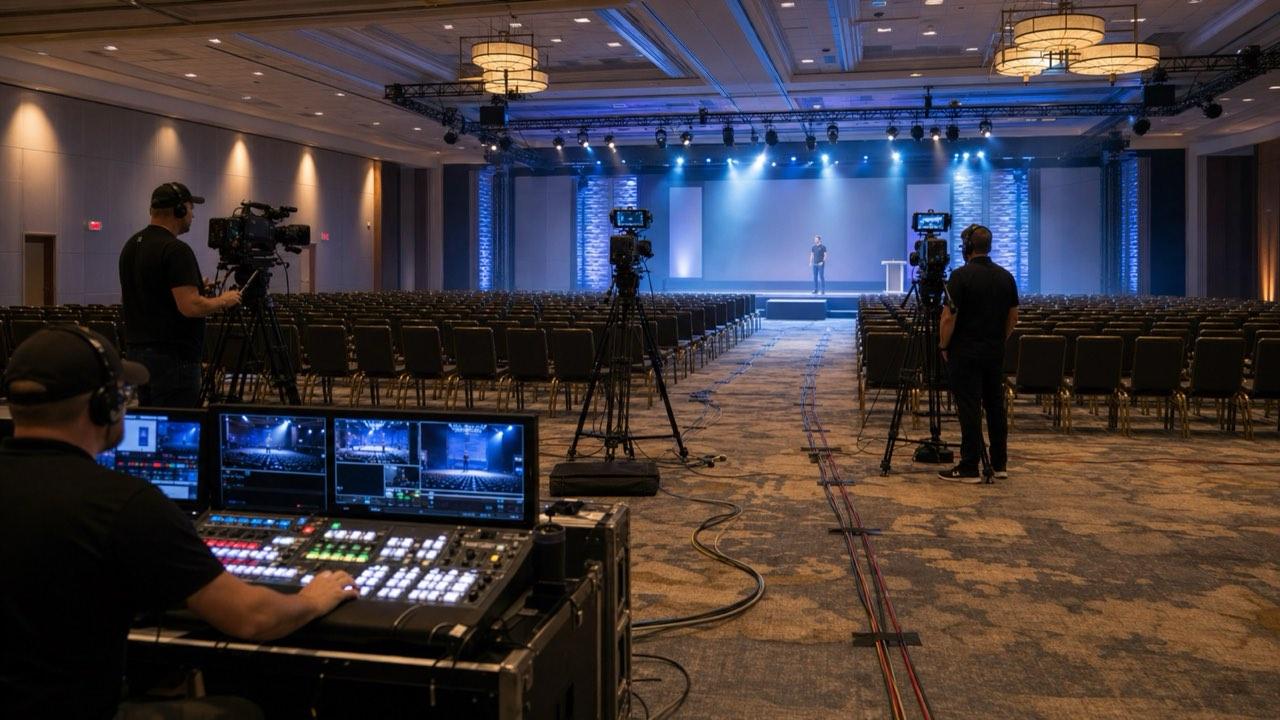
The corporate keynote default. One wide, one medium handheld or jib, one tight on a long lens at the back of the room. Director cuts between them on a switcher. This is enough coverage to make a 90-minute keynote watchable.
- Use for: corporate keynotes, single-speaker presentations, single-panel discussions
- Watch for: stage walks. If the speaker leaves the podium, you need an operator on the medium camera who can track.
Five cameras
The panel and stage-show default. Two wides, one tight per panelist (so three or four tight cameras depending on panel size), plus a roving handheld for crowd or stage walk. The director has enough coverage to cut on every reaction.
- Use for: panels of three or more, fireside chats, awards shows, conference general sessions
- Watch for: complexity. Five cameras require a calibrated multi-cam workflow, color-matched cameras, intercom for operators, and a director who can cut live.
Eight or more cameras
Used for concerts, major brand activations, sports, and broadcast-style productions. Includes specialty cameras — a jib, a steadicam, a slow-motion camera, robotics for tight balcony shots. Requires a full broadcast truck or rack room and a much larger team.
- Use for: concerts, major broadcast simulcasts, sports, large brand activations
- Watch for: cost. Eight cameras with operators and a broadcast workflow is a different category of show, not an upgrade.
When to add a camera instead of upgrading
Producers often spend an extra few thousand on a higher-spec camera when the actual gap in coverage is a missing angle. A second medium camera on the opposite side of the stage typically delivers more value than a 4K upgrade on a single camera.
Rule of thumb: if your director is asking "why don't we have a shot of that?" more than twice per rehearsal, you need another camera. If your director is asking "why does this shot look soft?" you need to fix the existing camera.
Encoding and stream redundancy
The camera count debate often skips the most important part of the stream — what happens between the switcher and the audience.
- One encoder, one connection — fine for internal-only streams
- One encoder, bonded cellular plus hardline — corporate keynote default, dual-path redundancy
- Two encoders, separate cellular providers, hardline backup — required for anything stream-critical with revenue on the line
Three cameras with redundant streaming infrastructure beat eight cameras on a single fragile uplink every time. We have seen producers spend the camera budget and leave the stream on a single hotel wifi connection. The audience never saw any of the eight cameras.
A simple checklist to bring to your AV team
- How many speakers are on stage at peak?
- Will any speaker walk during the show?
- Are there panel transitions, or is the format static?
- What is the longest single segment without a planned cut?
- What is the streaming destination — YouTube, Zoom, internal CDN, custom platform?
- Is there a recording deliverable, and does it need to match broadcast quality?
- What is the budget for the stream relative to the in-room production?
Give us those answers and we spec the right camera count, switcher, and uplink in the first quote. Quotes back within 24 hours.