The Hybrid Event Production Stack That Actually Works
Most hybrid events serve the in-room audience first and treat the remote viewers as an afterthought. Here is the stack that puts both audiences on equal footing.
What "hybrid" actually means now
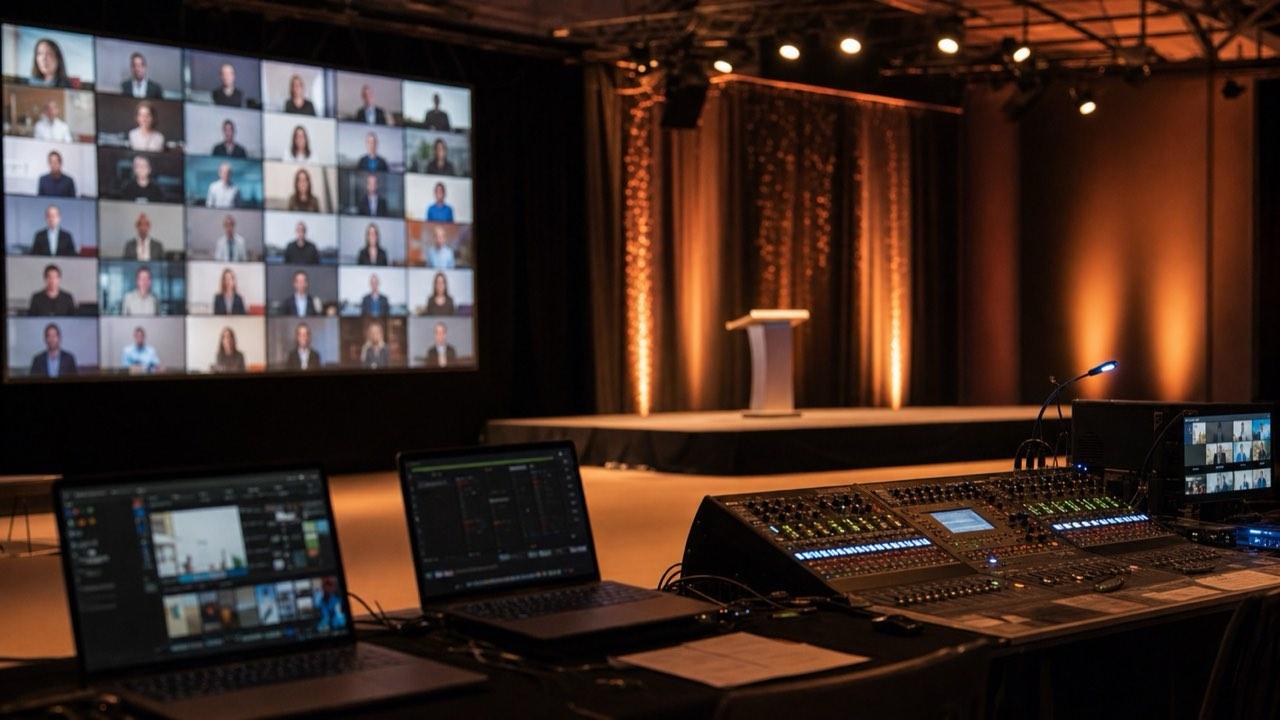
Hybrid events combine an in-room audience with a remote audience, both consuming the same content simultaneously. The early hybrid era treated this as two parallel productions sharing the same stage. The current best practice treats it as a single production with two distribution paths — and designs the show with both audiences in mind from the start.
Most hybrid events still fail at this. The pattern is familiar: the in-room experience is excellent, the stream is an afterthought, the remote audience drops off after 15 minutes. Here is the stack that does not have that problem.
Layer 1: cameras and shots
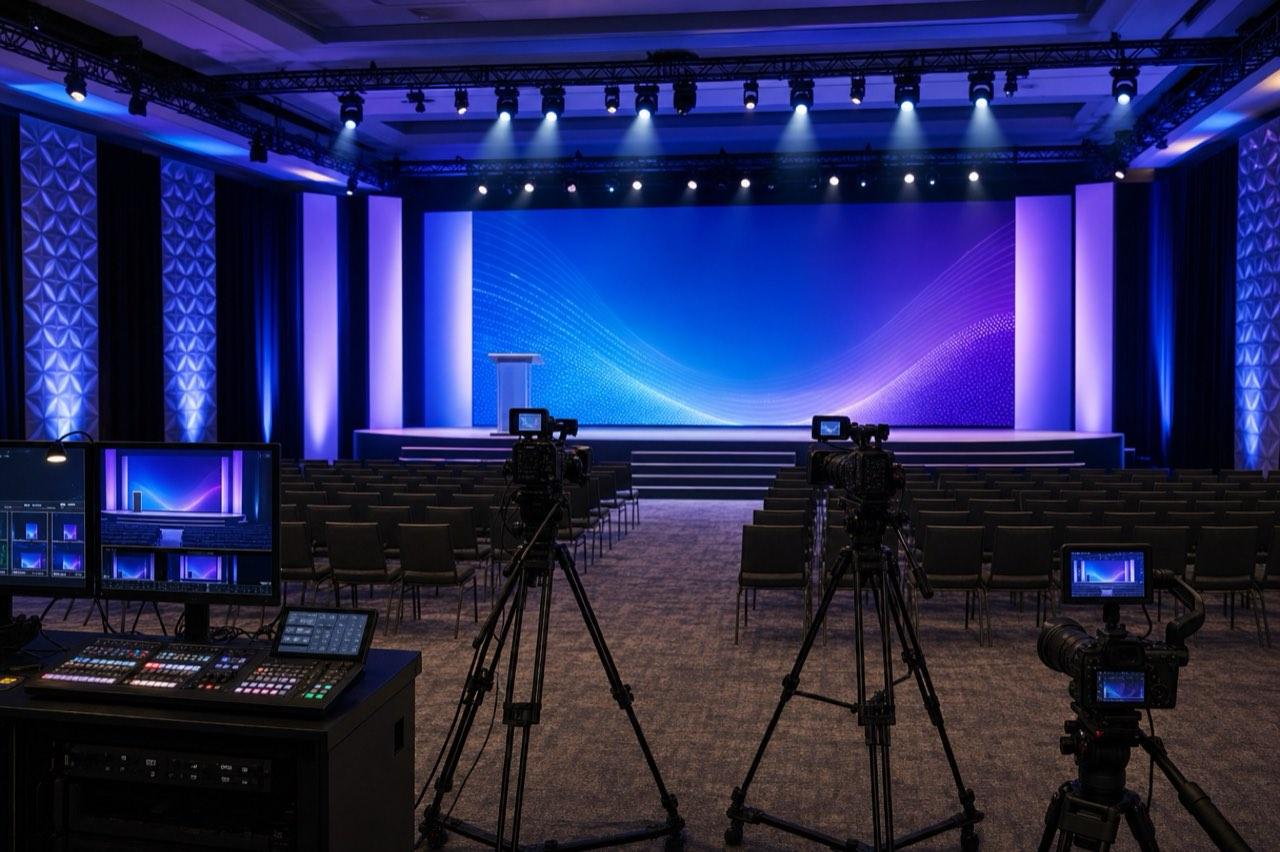
The minimum hybrid camera package is three cameras:
- Wide stage — Establishes location, used for transitions
- Medium speaker — The dominant shot for most of the runtime
- Tight speaker — Used for emphasis, reactions, and to break up the medium
For panels with three or more speakers, add a tight camera per panelist (or a robotic camera that switches between them) so the director can cut to whoever is talking without lag.
The in-room audience does not need cameras. The remote audience cannot survive without them. This is the first place hybrid productions over-index on the in-room experience.
Layer 2: audio
Audio is the single most important variable in remote audience retention. Bad audio loses viewers faster than bad video.
- Wired or wireless lavaliers on every speaker — never rely on shotgun mics in the room for the stream
- Direct line-in from the in-room audio console to the stream encoder — not a mic in the room capturing the PA
- Q&A handheld with a dedicated channel for audience questions, mixed into the stream
The remote audience hears what the audio console outputs, not what the room sounds like. Mix the stream feed separately from the in-room feed.
Layer 3: switching and graphics
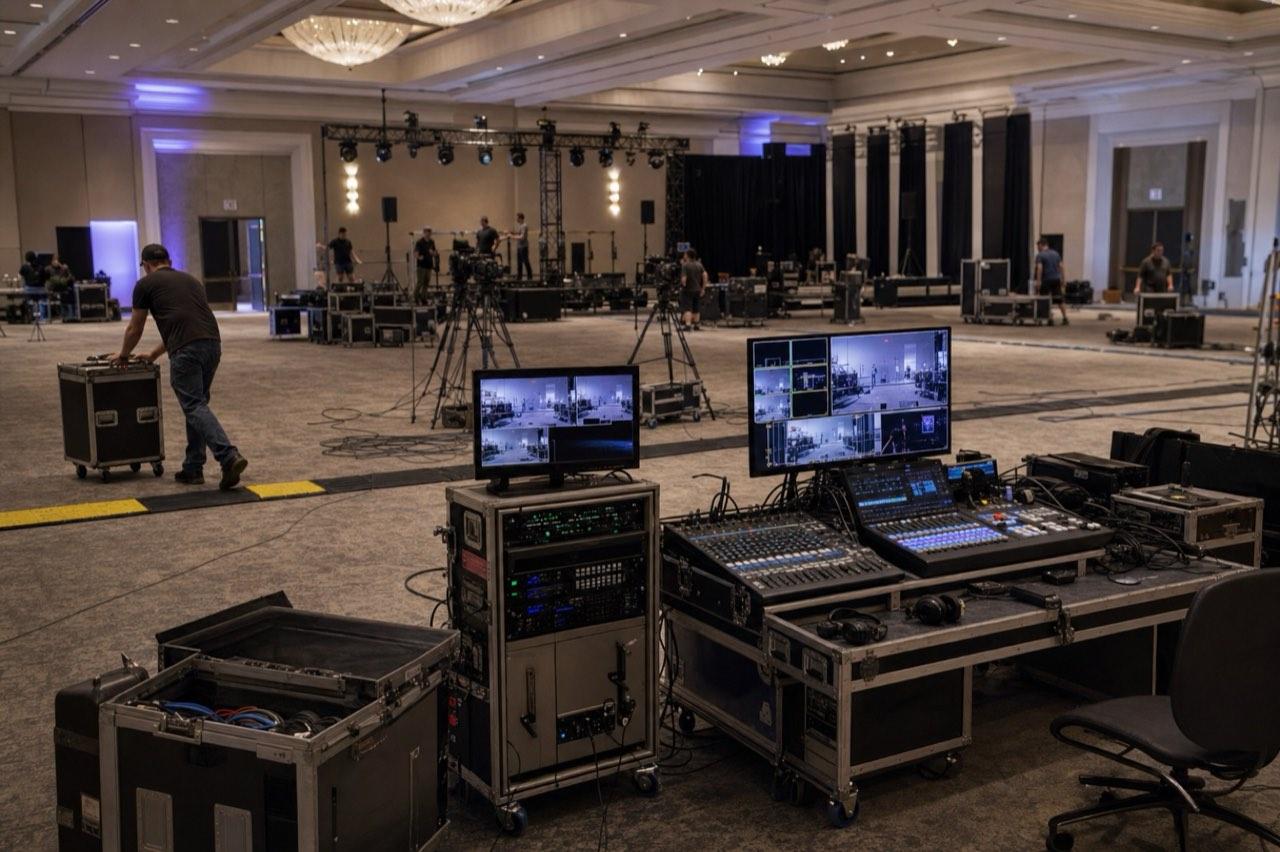
A proper hybrid production runs through a video switcher (typically a Blackmagic ATEM, Newtek TriCaster, or Ross Carbonite for larger shows). The switcher handles:
- Multi-camera cuts
- Lower-thirds graphics for speaker names and topics
- Slide and laptop feeds inserted on cue
- Picture-in-picture for remote presenters joining the in-room show
- Pre-recorded video roll-ins for sponsor breaks or video assets
A director cuts the show live from the switcher to the stream encoder. The in-room audience sees only the slide feed on the main projection. The remote audience sees the directed video.
Layer 4: stream encoder and uplink
The encoder takes the switcher output and delivers it to the streaming platform. The uplink is the network path the encoder uses.
- Single hardline — fine for internal-only streams in venues with reliable network
- Bonded cellular — required for any external-facing stream with revenue or PR risk. Devices like LiveU, Teradek Bond, and Peplink combine multiple cellular providers into one resilient connection.
- Hardline plus bonded cellular failover — production default for any major hybrid event. The hardline carries primary traffic, the bonded cellular is on standby and switches in under a second if the hardline drops.
We have seen large hybrid productions lose their stream for 15 minutes because they were on a single hotel wifi connection. Every dollar spent on cameras was wasted in that 15 minutes.
Layer 5: platform and engagement
The streaming platform is where the remote audience actually consumes the show. Options:
- Zoom Events or Webex Events — Best for B2B corporate audiences who are accustomed to the platform.
- YouTube Live — Best for public-facing keynotes and announcements with a marketing audience.
- Custom CDN platforms (Vimeo OTT, Brightcove, Bitmovin) — Best for branded experiences with chaptering, on-demand replay, and white-label requirements.
- Hopin, Bizzabo, Cvent — Best for full conference experiences with multiple tracks, networking, and sponsor halls.
The choice depends on what the remote audience is supposed to do beyond watching. If they only watch, YouTube or Vimeo is fine. If they need to participate in Q&A, polls, breakouts, or networking, the platform becomes a real decision.
Layer 6: in-room support for remote presenters
When remote presenters join an in-room show, the production has to make them feel present.
- A dedicated return monitor on stage so the in-room speaker can see the remote presenter
- A proper return audio mix so the remote presenter hears the room and the in-room speaker clearly
- Latency planning — every hybrid show has at least 1.5 to 3 seconds of latency between the in-room audio and the remote audio. Q&A across that gap requires moderation.
- A producer or stage manager with a direct comms link to the remote presenter's location to manage handoffs
This is the layer most often left undone. The remote presenter joins, the in-room audience hears them with a delay, the awkward moment happens, and the show loses energy.
What we put in every hybrid scope
For every hybrid event we quote, the proposal lays out each of these six layers explicitly. The producer sees the cameras, the audio plan, the switching, the uplink redundancy, the platform, and the remote presenter support — all priced separately so the budget can flex by layer if needed.
The number one cost lever in hybrid production is the uplink. The number one quality lever is the audio. The number one engagement lever is the platform. Producers who understand which lever they are pulling spend their budget where it actually matters.
Quotes back within 24 hours of a complete brief.