Trade Show LED Columns and How They Pull Floor Traffic
How vertical LED column totems out-pull flat walls for aisle traffic, and the pitch, content, and mounting calls that make or break them.
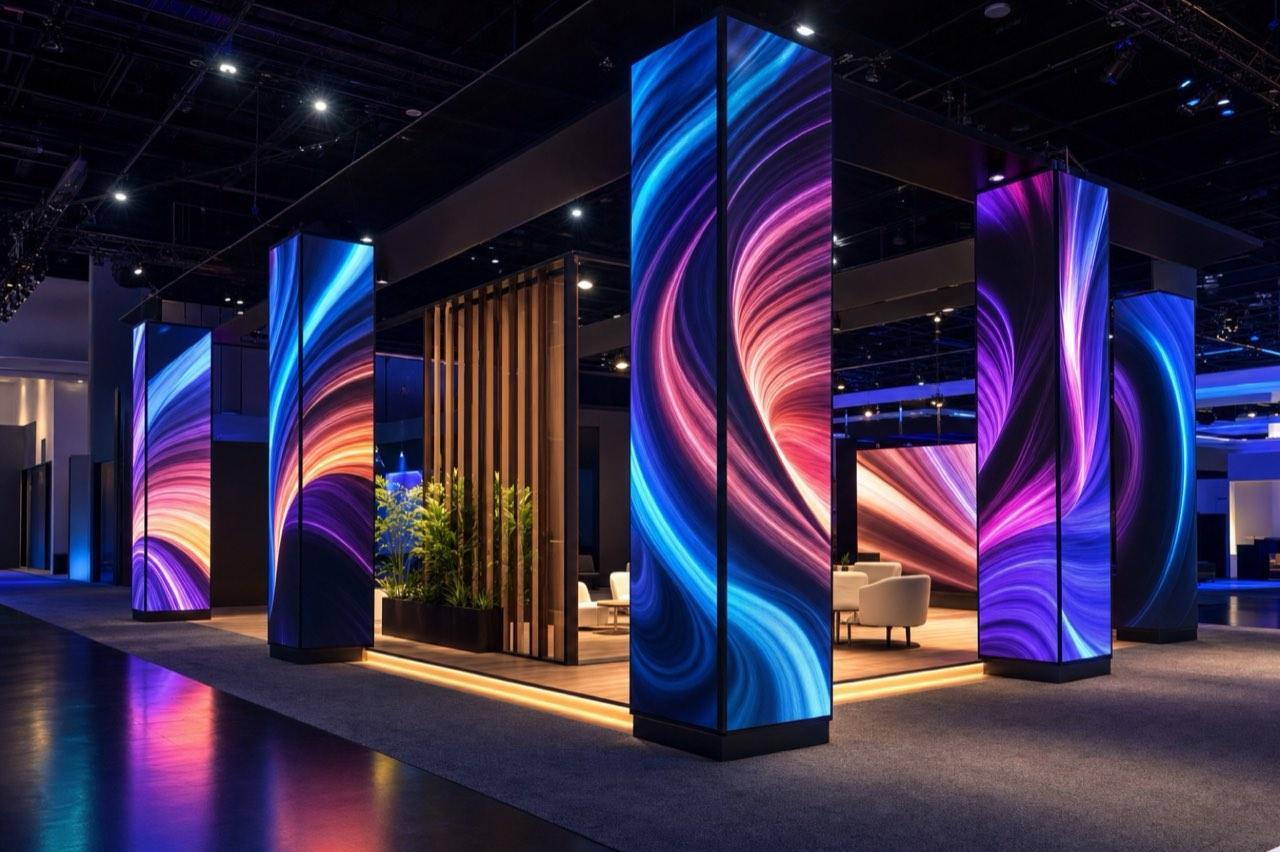
Flat LED walls get the budget and the design attention, but on a crowded show floor they're competing with a hundred other backlit graphics at eye level. Vertical LED columns do something different: they break the sightline above the crowd, they read from three aisles away, and they pull people toward a booth before anyone's close enough to read a headline. We build and run these columns for shows across the country, and this is what actually separates a totem that pulls traffic from one that just adds another glow to a already-bright hall.
Why vertical beats flat for aisle traffic
A flat LED wall is a destination graphic — it works once someone's standing in front of your booth. A column is a beacon. Mounted 10 to 16 feet up, it's visible over booth walls, drape, and other attendees from the far end of the hall. We've measured the difference in booth approach rate on back-to-back shows with the same footprint: swapping a single flat wall for two corner columns typically pulls more foot traffic into the aisle-facing zone, because people orient toward movement and light above head height well before they process any text or logo. The column's job isn't to close a lead. It's to get someone to turn their body ninety degrees.
Pixel pitch at column-viewing distance
Columns get looked at from farther away than wall content, and that changes the pitch math. For a column viewed primarily from 15 to 40 feet across an aisle, we spec P2.5 to P3.9 as the working range — tighter than that and you're paying for resolution nobody in the aisle will ever resolve, wider than that and the pixel structure gets visible up close when attendees are actually standing at your booth. We don't spec the same panel run for a column that we'd use on a 20-foot flat wall meant to be read from six feet; the viewing distance dictates pitch, not the design file. A common mistake we see from exhibitors sourcing gear themselves is renting whatever pitch was available rather than what the sightline actually calls for.
- P2.5–P2.9: best for columns with any close-viewing side (near a demo counter or reception desk)
- P3.9: fine for pure aisle-facing totems with no near-approach angle
- Anything coarser than P3.9 on a column starts showing pixel structure at booth-perimeter distance
- Match pitch consistency across all columns in a booth — mixed pitches read as mismatched brightness even when calibrated
- Confirm the column's refresh rate is high enough that show photography and attendee phone video don't show banding
Content strategy: loop length and motion
Columns get glanced at, not watched. We build loops in the 15 to 30 second range for most trade show columns, long enough to establish a brand moment but short enough that someone walking past for eight seconds still catches a coherent piece of it, not a mid-transition blur. Motion should be slow and directional — content that scrolls, breathes, or shifts color gradually reads as premium ambient movement from across the hall. Content that cuts hard every two seconds reads as noise next to twenty other booths doing the same thing. We generally build columns with a base ambient loop that upgrades to a punchier "activation" loop only during scheduled demo windows or when a presenter triggers it, so the column isn't shouting the whole show.
Text and readability at 20 feet
This is the failure mode we correct for most often: content that looks sharp on the design PDF and disappears on the floor. A rule we hold designers to is no text below roughly 10% of the column's visible height — on an 8-foot-tall column face, that means no line of text under about 10 inches, which sounds aggressive until you stand at the far end of a 40-foot aisle and realize that's the smallest size still legible. Anything smaller becomes decorative texture, not messaging. If a client wants smaller copy for detail or legal, we push that content down to monitor or tablet touchpoints at the booth, not the column. The column carries one idea per loop segment — a word, a mark, a color story — never a paragraph.
Booth-corner versus centerline placement
Corner placement is our default recommendation for aisle-pull because it puts the column in the sightline of two aisles simultaneously instead of one. Centerline placement — a single column at the front-and-center of the booth — reads better as a branding statement but only serves the aisle directly in front of it. We've run both configurations on identical booth footprints at Javits and the corner setup consistently drew more approach traffic simply because it's visible from twice the aisle real estate. Centerline still has its place: it's the right call for a narrower booth where corners would crowd out the entry, or when the client's brand mark is strong enough that a single dead-center statement carries more weight than distributed visibility.
Structural mounting and truss
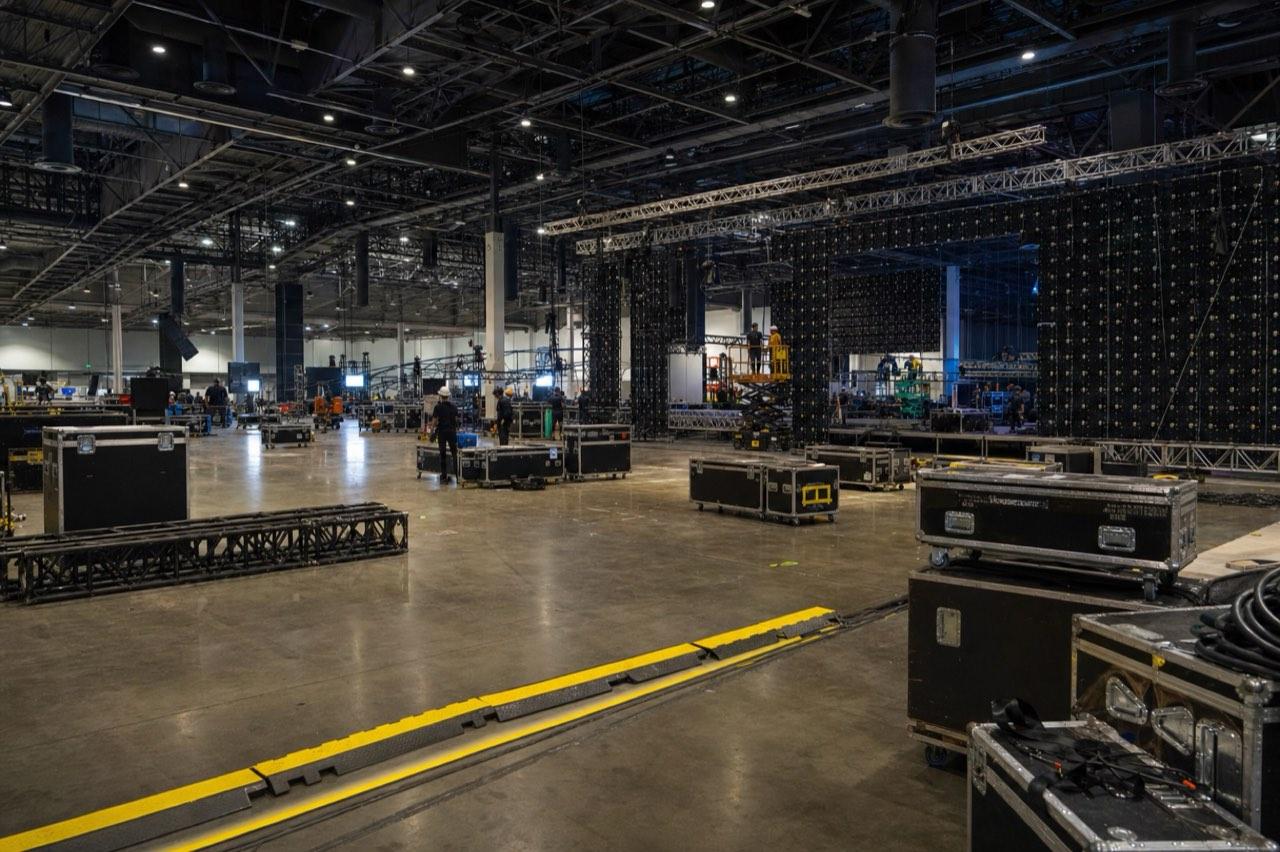
Columns are cantilevered weight running 8 to 16 feet up, and we don't treat that lightly regardless of how light the panel spec looks on paper. We build ground-supported truss towers or top-supported rigging depending on the venue's rules and the hall's rigging point availability — Boston Convention and Exhibition Center and Hartford Convention Center both have different load and rigging sign-off processes, and we check those before we ever finalize a column height in the design phase, not after. Ground-supported towers need base plates and outrigger footprint that eats into booth square footage, which we account for in the floor plan early so the client isn't surprised by a base plate eating the corner they wanted for a demo station. We always run wind and stability calculations for anything freestanding above 10 feet even indoors, because HVAC airflow near intake vents can put more lateral load on a tall thin structure than people expect.
Power, data, and cable routing through the floor
A column needs clean power and a data run back to the media server, and both have to cross the booth floor without becoming a trip hazard or a visible mess on the show's opening walkthrough. We route power and data through low-profile floor track or under raised flooring wherever the booth has it, and when the floor is bare concrete we tape down with high-visibility floor tape at every crossing point per venue fire marshal requirements. Data runs get tested end to end before doors open, not just at load-in, because a marginal connector that works fine during setup can drop mid-show once the run gets stepped on a few hundred times. We label every run at both ends so a hot-swap during show hours doesn't turn into twenty minutes of tracing cable under carpet.
Service and hot-swap during show hours
Panels fail. A pixel block goes dark, a power supply trips, a data cable gets kicked loose by a cart — and it has to get fixed without shutting the column down for an hour in front of a live crowd. We build columns in serviceable sections with front or rear access depending on booth clearance, and we carry spare panels and power supplies on-site for every show rather than shipping a lean kit and hoping nothing breaks. Our on-site crew does a full-loop visual check at the top of every show day before doors, because a panel that looked fine at strike the night before can show a dead pixel block after a cold overnight in an unheated hall.
Integration with wayfinding and hero zones
Columns work best when they're doing double duty as wayfinding, not just brand decoration. We coordinate column placement with show floor sightlines so a column also functions as a landmark attendees use to navigate back to a booth after wandering — "the blue column past the food court" is a wayfinding cue whether or not that was the design brief. Inside the booth, we treat the column as a visual anchor that points attendees toward the actual hero product or demo zone rather than competing with it; a column directly behind or flanking the hero zone extends that product's visual footprint, while a column parked awkwardly in a walk path just becomes an obstacle people route around.
Failure modes we plan around
Over-bright columns are the most common self-inflicted problem. Exhibitors default to max brightness assuming brighter always wins, and instead wash out their own product lighting and make nearby graphics look dim by comparison — we calibrate column brightness against the ambient hall light and the booth's own lighting plan, not against a spec sheet number. Moiré patterns are the second recurring issue: booth photographers and attendees shooting video on phones will catch visible moiré banding on certain pitch and camera-sensor combinations, and we test this in pre-show photography walkthroughs whenever a client tells us the show's official photographer will be shooting the booth. The third failure mode is the design-PDF problem covered above — content approved on a laptop screen at arm's length that simply does not survive the trip to 20 feet of aisle distance. We push back on file specs that don't account for viewing distance before they go to render, because catching it in pre-production costs nothing and catching it on the show floor costs a reshoot and a bad first impression.
What we bring on-site
Every column deployment includes our own panels, rigging or base structure appropriate to the venue, power distribution, media server and content playback, and a crew that handles install, daily show-open checks, and strike. We don't sub out the column build to a vendor we don't know — it's our inventory and our crew on the floor, which is why we can commit to same-day service if something goes down mid-show.
If you're planning columns for an upcoming show at Javits, Boston Convention and Exhibition Center, Hartford Convention Center, or anywhere else on the calendar, send us your booth footprint and sightlines and we'll turn around a pitch and placement recommendation within 24 hours. Reach us at hello@eventprosource.com to get a quote started.