TV and Monitor Rental for Events: Size, Mounts, Signal
Size rented TVs and monitors by viewing distance, choose stands or mounts, plan HDMI and SDI signal, and write a brief that gets an itemized quote.
"We need a few screens" is a request that goes wrong in two predictable ways. Someone orders a 43 inch panel that nobody can read from the back of the lobby, or six TVs end up on six different laptops that all go to sleep at once. Good TV rental for events starts with three decisions the order usually skips: size, support and signal.
This guide covers how to specify TV and monitor rental for a corporate event in New York, New Jersey, Connecticut or Massachusetts. It is about displays in any room, from a registration counter to a breakout to a product launch, not about booth design or stage comfort. By the end you should be able to write a brief that gets an itemized quote back without a round of clarifying questions.
What are rented event displays, and when are they the wrong tool?
Rented event displays are commercial-grade TVs and monitors, from 32 to 98 inches, that show slides, content loops or live feeds from a source you control; the right ones are sized to the farthest viewer, held by a stand or mount the venue accepts, and fed by a signal path that is tested before doors.
"Commercial-grade" matters. According to the service page, the panels are commercial IPS LCD at 500 to 700 nits, with HDMI, SDI and DisplayPort inputs, and they run in landscape or portrait. A home TV is built for a living room at night. A lobby with glass on two sides and a ballroom pre-function with chandeliers is a different light environment, and brightness is the spec that shows up first.
A note on wording, because search traffic still uses older terms. People ask for "plasma screen rental" or "LCD rental" when they mean a flat panel for an event. The panels we source for rental are commercial LCD, so if your brief says plasma or LCD, you are asking for the right category and we will translate it into a size and a mount.
Displays are the wrong tool when the audience is too far away or too large for the biggest panel. Past the 98 inch size, you are looking at LED wall rental for a bright, seamless image, or projector and screen rental for a very wide image in a room you can darken. The post on LED wall versus projector walks through that choice for ballrooms.
How big should the screen be?
Size to the farthest person who has to read it, not the nearest. A common rule of thumb, attributed to Rtings and repeated by Meeting Tomorrow in a 2021 rental guide, says the minimum screen diagonal in inches is the viewing distance in inches divided by 1.6. The arithmetic below is ours, matched to the sizes on the service page (32, 43, 55, 65, 75, 86 and 98 inches).
| Farthest viewer | Distance in inches | Distance divided by 1.6 | Closest rental size at or above |
|---|---|---|---|
| 4 ft (demo station, kiosk) | 48 | 30 | 32 in |
| 6 ft (counter, check-in) | 72 | 45 | 55 in (43 in is a step under) |
| 8 ft (booth front) | 96 | 60 | 65 in |
| 10 ft (breakout, lobby) | 120 | 75 | 75 in |
| 12 ft (lobby, registration) | 144 | 90 | 98 in (86 in is a step under) |
| 15 ft or more | 180 | 112 | Beyond the largest panel; look at LED wall or projection |
Treat this as a starting point, not a spec. Our judgment: text-heavy content such as agendas, dashboards and slides needs the full computed size, while an image-only loop with a logo can go down one size. The same table tells you when to stop adding screens. If the answer is "98 inches and the farthest viewer is still 15 feet away," a cluster of panels will not fix it.
On resolution, the service page lists 4K UHD as standard on 55 inch panels and above.
Stand, wall mount or ceiling mount?
The service page lists four ways to hold a display: floor stand, table stand, wall mount and ceiling mount. The right one depends on the room as much as the screen.
| Support | Where it suits (our judgment) | What to ask the venue |
|---|---|---|
| Floor stand | Lobbies, registration, breakout rooms, anywhere the screen needs to stand free | Floor surface, freight route, cable path to power and signal |
| Table stand | Counters, demo stations, 32 inch kiosk positions | Table size and strength, where the cable exits |
| Wall mount | A fixed position on a wall that suits a permanent-looking install | Wall construction, permission to mount, who handles patching afterward |
| Ceiling mount | Overhead positions where floor space is tight | Written approval; the service page says structural ceiling mounts need venue approval and may need a rigging letter |
Floor stands are the default for most event work because they ask the venue for the least. Wall and ceiling mounts ask for permission, and permission takes time. Raise them in the first email to the venue, not the week before load-in. If a ceiling position carries real weight, the post on rigging load calculations explains how points convert to loads.
Four questions to settle before the brief goes out:
- What is the wall or ceiling made of, and who at the venue can approve a mount?
- What is the route from the dock to the position, and what are the load-in hours?
- Where is power at each position, and is it on a circuit you can use? The event power distribution post covers feeders and distro.
- Does the venue require protection for floors or walls during install?
How does one source reach many screens?
This is where multi-screen layouts quietly fail. Two ideas decide the design.
Mirrored content means the same loop or the same slides on every screen. One source feeds a distribution stage that splits the signal. The service page lists HDMI distribution amplifiers and SDI DA racks for this, and says one source can feed any number of displays, with the production team designing the distribution for your layout.
Independent content means each screen has its own source: a registration screen with the attendee list, a lobby loop, a breakout with a presenter laptop. Each source needs its own path, and the plan needs to say which screen gets which.
In plain terms, a distribution amplifier takes one input and gives you several identical outputs. A matrix lets you route any input to any output. If a screen might need to change content mid-event, say so in the brief because that is a matrix job, not a splitter job.
Cable run length is the limit people discover on site. We do not give a length figure here because it depends on the cable type, the signal format and the resolution. Put the run from source to each screen in the brief and the crew will pick the right path.
One rule from the field: do not make a presenter's laptop the source for a lobby loop. The laptop goes to the stage, the loop keeps running, and the two never share a failure. The trade show booth A/V post makes the same case for dedicated playback.
A source and distribution checklist for the brief:
- Source device for each screen (laptop, media player, camera feed, signage player)
- Output format and resolution of that source
- How many screens each source feeds
- Run length from source to each screen
- Whether any screen needs content that differs from the others
What about portrait screens, signage and content?
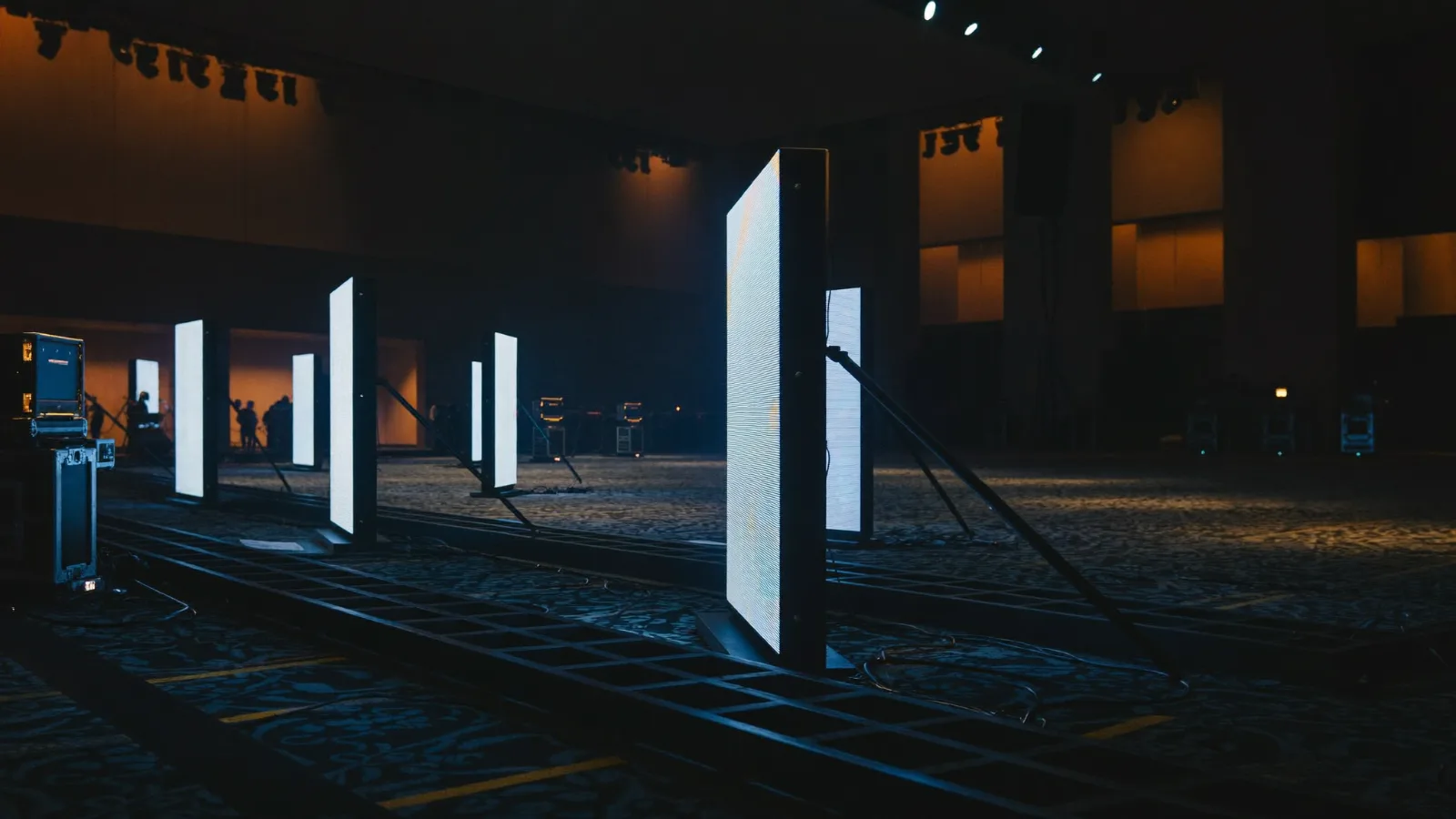
Commercial panels rotate to portrait, and the service page says portrait-compatible floor stands and wall mounts are available. Portrait suits kiosks, directional signage and the tall, narrow content common in campaign creative. The service page describes portrait 55 inch displays arranged as individual kiosk positions or as video walls at activations, and 98 inch panels as a background brand moment on an island booth.
For scheduled playback, the service page lists BrightSign and Enplug players for managed content loops, scheduled content and live data feeds. If a loop needs to change by time of day, or a screen shows a live feed such as a social wall, ask for a signage player rather than a laptop with a playlist.
Content needs the same discipline as hardware. Build artwork at the screen's native resolution and orientation, and send the files early enough to be tested on the real panel. Pixel mapping and aspect ratios are covered in the post on LED wall content resolution, and the same logic applies to any multi-screen layout.
Clustered panels have visible bezels, the frames between screens. A cluster of four or six displays reads as separate screens with gaps. If the creative needs one continuous image, that is a job for an LED wall, not a grid of monitors. Where displays are part of a launch environment with kiosks and clusters, brand activation production covers how the screens fit the build.
Who delivers, installs and stays on site?
Per the service page, delivery, positioning, mounting, cable management and signal testing are handled by the crew, with signal testing completed before the event opens. For multi-screen distribution installs, a technician is available during the event for content or signal issues. The page also states that unconfigured equipment is not drop-shipped, so what arrives has been set up for your layout.
We are a production partner, not a warehouse. We source vetted local crews and gear per metro, aiming for the right gear for the room, so the displays and crew for a Hartford lobby are chosen for Hartford, and the ones for a Manhattan ballroom are chosen for that room. Delivery timing and freight depend on the venue and the metro, and both are set out in the itemized quote.
What the crew needs from you:
- The venue floor plan with each display position marked
- The load-in window and the strike time
- Content files early enough to be tested on the panels, before the day of the event
- A named contact who can approve mounts and open doors
Screens are one part of a larger room. If displays sit alongside sound, lighting and a stage, A/V equipment rental packages them under one plan so the signal paths and power are designed together.
What should the brief include, and how does the quote work?
A brief that names these items gets an itemized quote with the fewest follow-up questions.
- Venue, room and event date
- Number of displays and where each one goes
- Farthest viewing distance for each position
- Support type per position: floor stand, table stand, wall mount or ceiling mount
- Source and signal per screen, and whether any content is independent
- Content type: slides, loop, live feed or data
- Landscape or portrait for each screen
- Power location at each position
- Load-in and strike times
On cost: Pricing scales with pixel pitch, square footage, install complexity, labor, duration, and content needs. We return a fully itemized quote within 24 hours of brief. For displays the drivers are screen size, quantity, mounting method, signal distribution, digital signage CMS and delivery distance.
When the list is ready, request an itemized quote with the venue, the date and the screen positions. We return a fully itemized quote within 24 hours of brief, with the crew, gear and logistics for your metro spelled out line by line.
Frequently asked
Per the service page, commercial displays come in 32, 43, 55, 65, 75, 86 and 98 inch sizes, with 4K UHD standard on 55 inch panels and above. Pick the size from the farthest viewer's distance, then confirm the sizes available for your metro in the itemized quote.
Yes. The service page lists floor stands, table stands, wall mounts and ceiling mounts. Structural ceiling mounts need venue approval and may need a rigging letter, so ask the venue about wall construction and mounting permission early, before the load-in schedule is set.
Yes. HDMI distribution amplifiers and SDI DA racks let one source feed any number of displays, and the production team designs the distribution for your layout. If screens need different content, say so in the brief, because that calls for a matrix rather than a simple splitter.
Yes. Commercial panels rotate to portrait, and portrait-compatible floor stands and wall mounts are available. BrightSign and Enplug players handle scheduled playback, managed loops and live data feeds, so a loop can change by time of day without anyone touching a laptop.
Per the service page, delivery, positioning, mounting, cable management and signal testing are handled by the crew, and signal testing is finished before the event opens. For multi-screen distribution installs a technician is available during the event. Delivery timing and freight are set out in the itemized quote.